




Price: $59.99 - $45.99
(as of Jun 10, 2024 05:09:08 UTC – Details)

Product Description
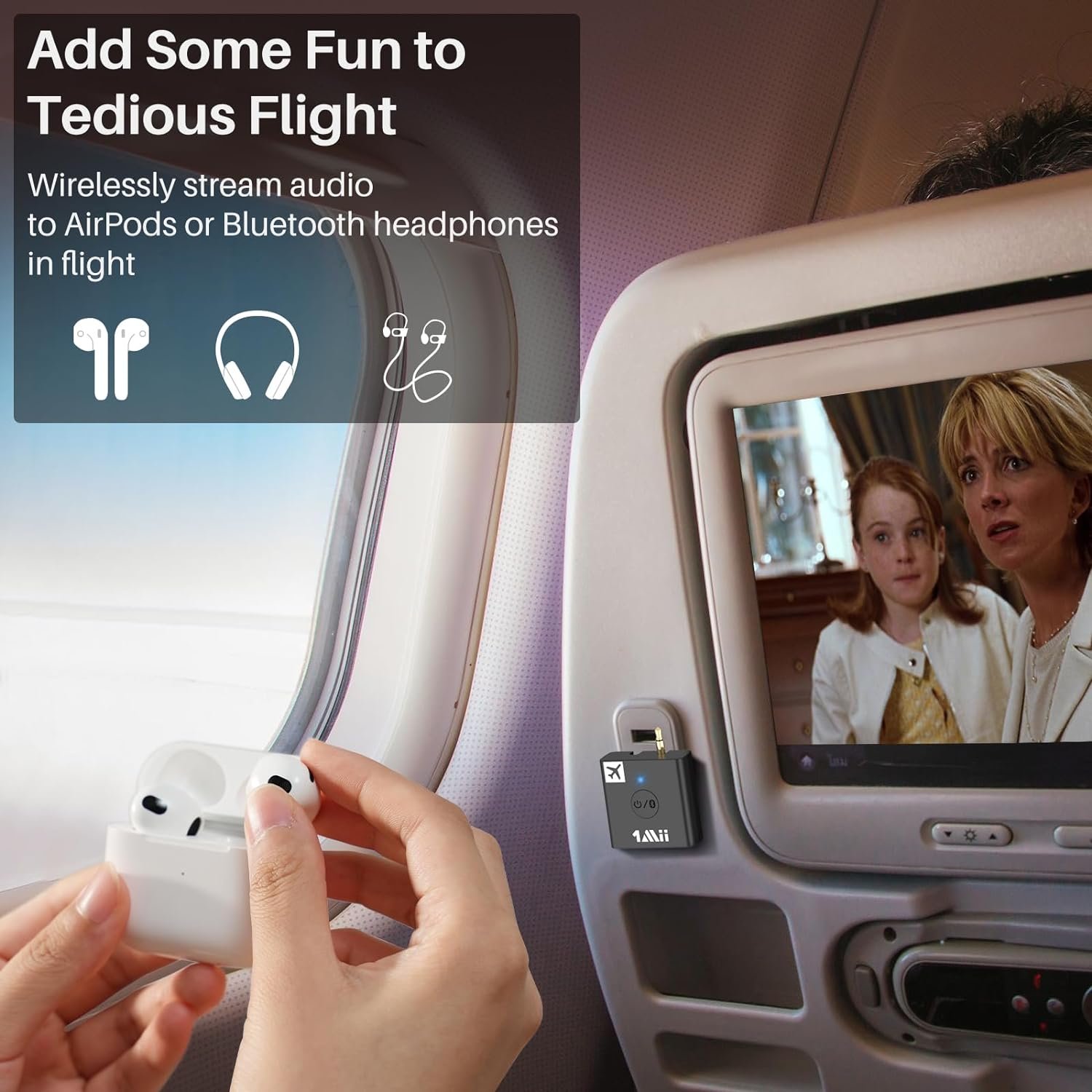
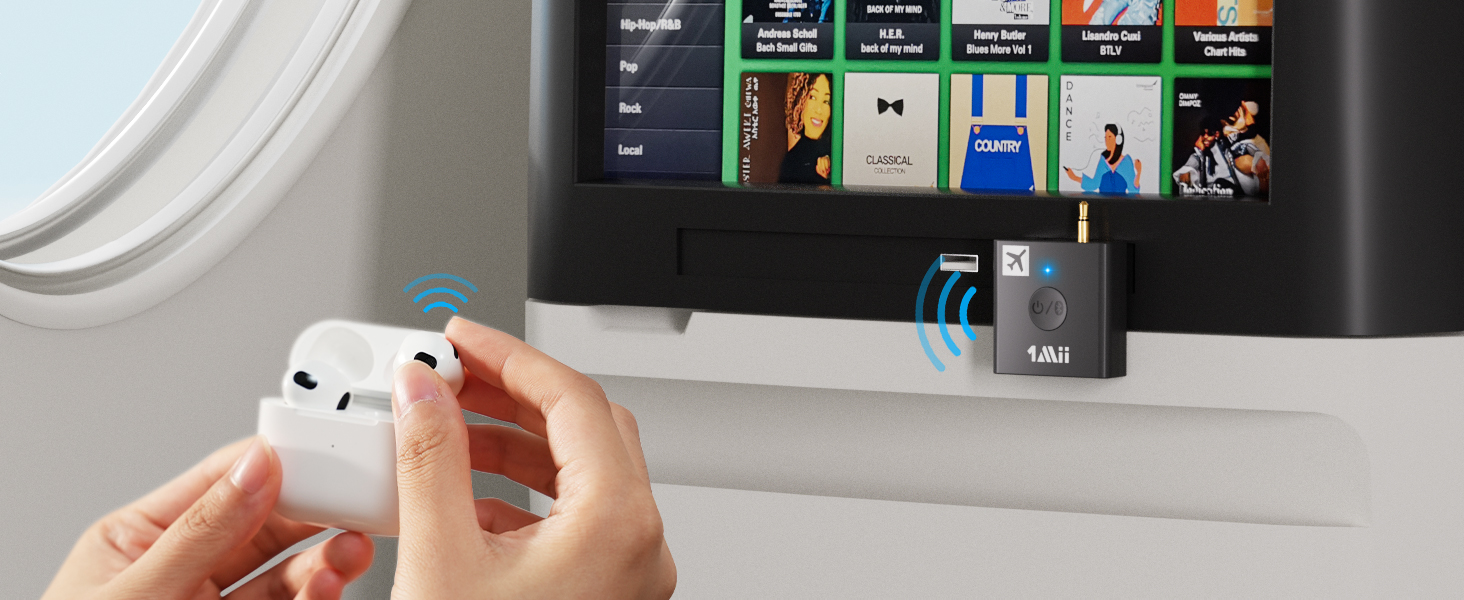 Add Fun to Your Boring Flight
Plug B05 into in-flight entertainment systems,
Pair with your Airpods or other Bluetooth headphones.
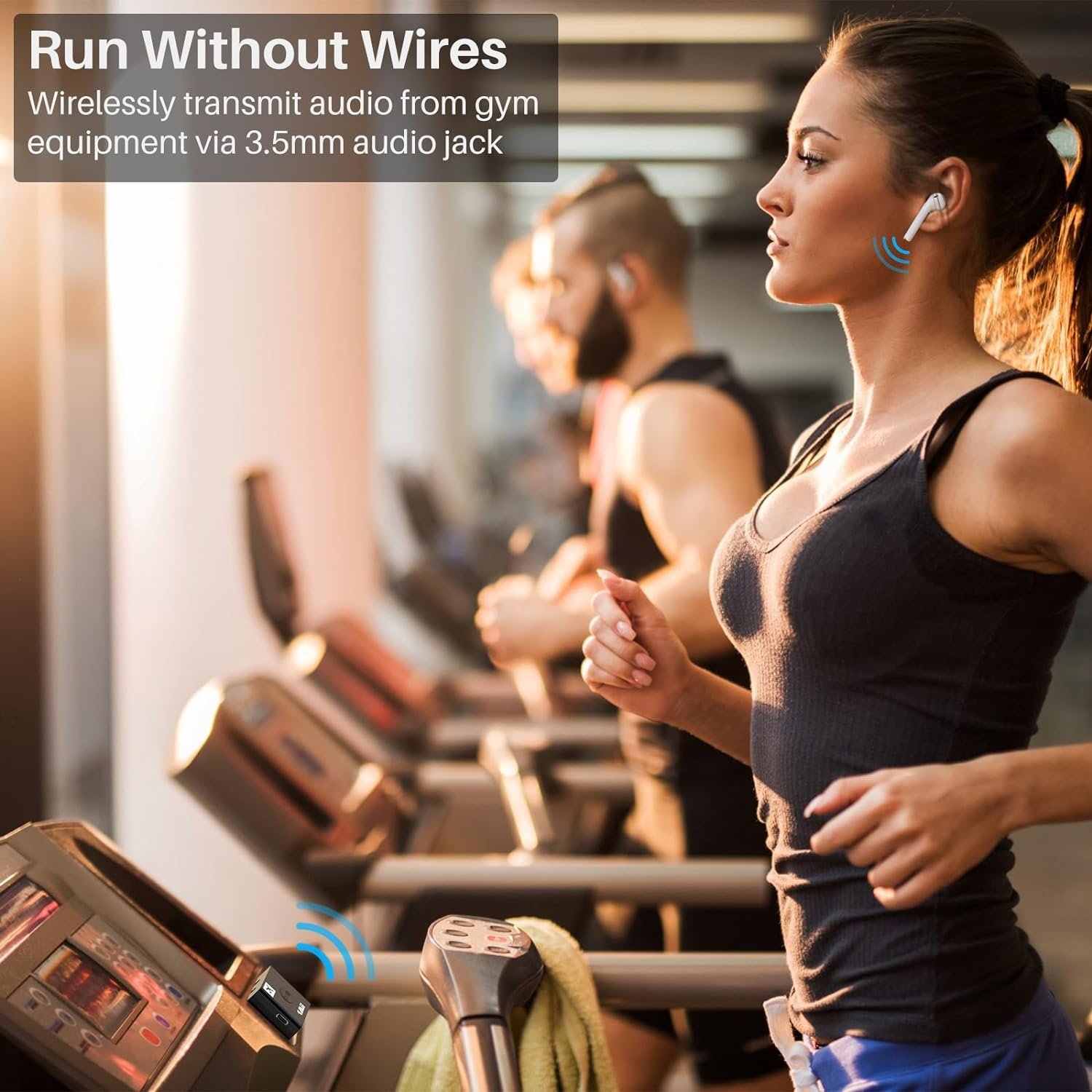
 Run Without Wires
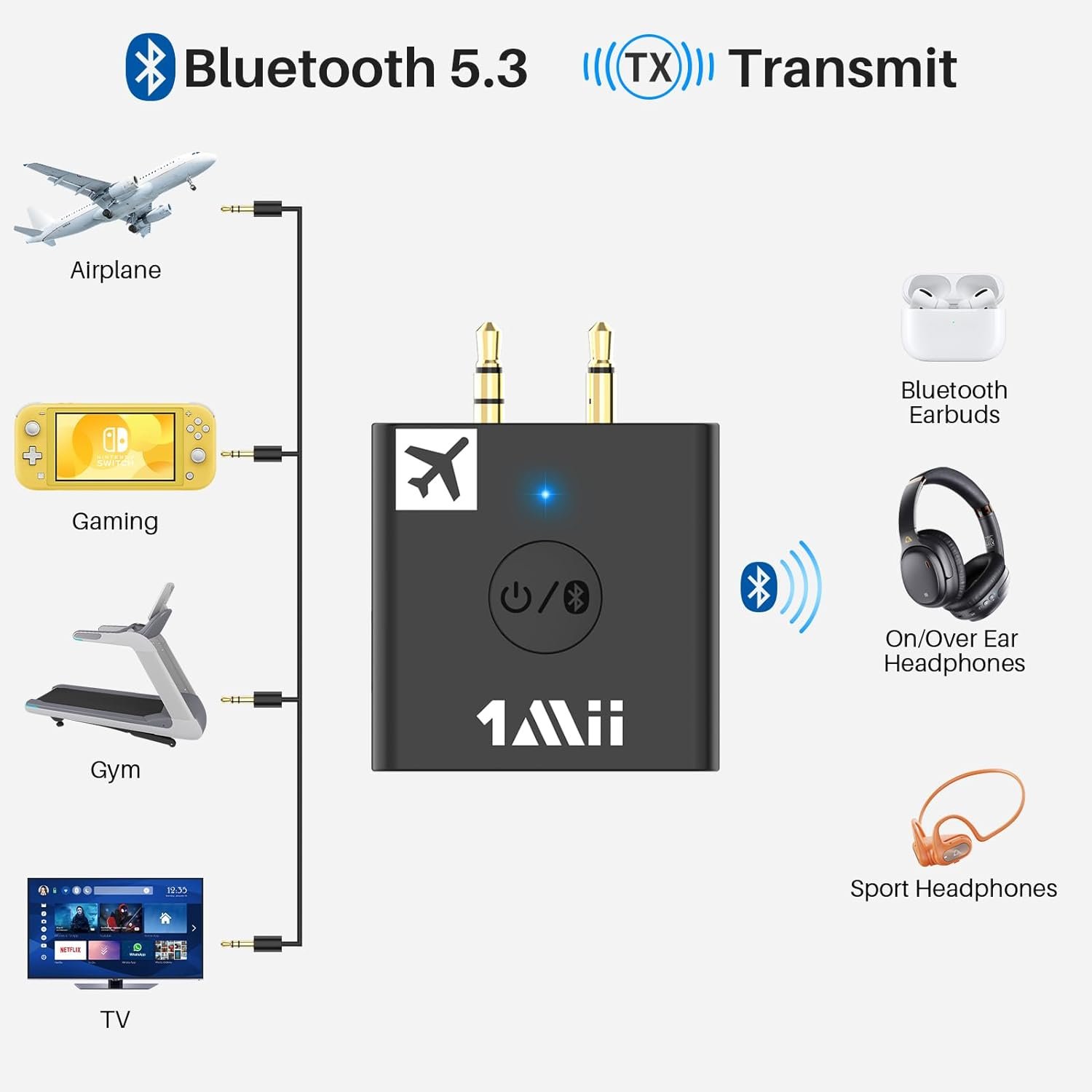
Wirelessly transmit audio from gym equipment via 3.5mm audio jack.
1 On Airplane 2 In Gym
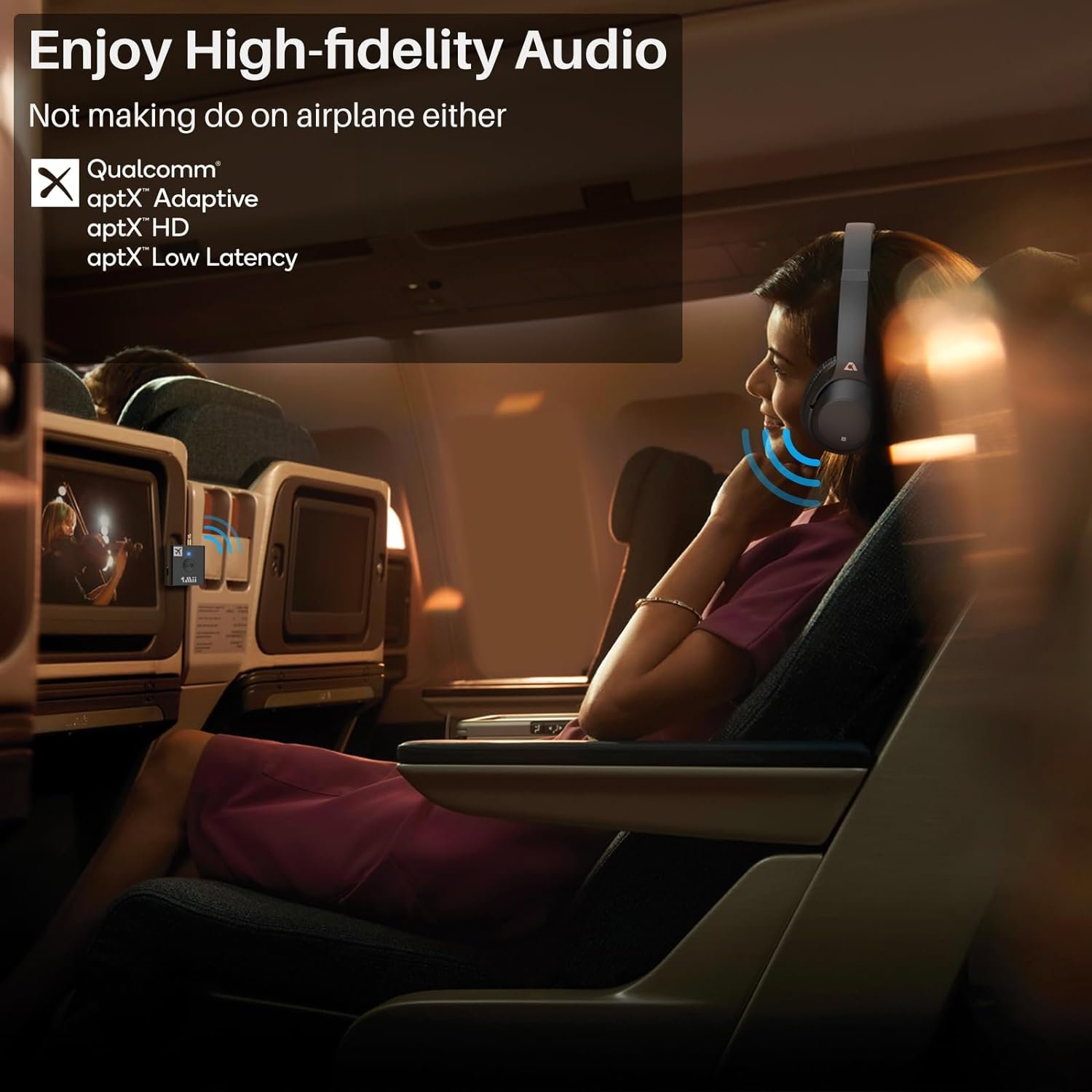
 aptX HD 24-bit Wireless Sound
With Bluetooth 5.3 chip, B05 can deliver up to 24-bit high fidelity audio to Bluetooth headphones.
 Pair 2 Headphones
B05 supports pairing with 2 headphones simultaneously. Sharing happiness with friends.
 Adjustable AUX Plugs
Flexibly adjusting the plugs by 90 degrees rotation.
For Dual and Single auido output interfaces.
 AptX Low Latency, No Delay
With aptX LL-enabled headphone, B05 delivers stereo sound in perfect sync with virtually no delay.
1 HD 24-bit Wireless Sound 2 Pair 2 Headphones 3 Adjustable AUX Plugs 4 No Delay with aptX LL

How to Pair with Airpods  STEP 1: Open the Lid
Place Airpods in the headphone charging case and open the lid.
 STEP 2: Airpods Pairing Mode
Press and hold the button on the back of the charging case until the indicator light flashes white to enter pairing mode.
 STEP 3: B05 Pairing Mode
Press the button in the middle of B05 for 2 seconds to enter pairing mode (LED flash blue and red alternately fast).
 STEP 4: Waiting for Pairing
Keep B05 and your equipment within 1 meter. Wait and connected.
How to Use Adjustable Plugs  Rotate the plug 90 degrees
When using the plug, please rotate the plug 90 degrees according to the audio jack. Do not directly insert the socket, otherwise it may become loose.
 Used with Cables
Some aircraft’s audio sockets have been used too many times and have aged. The plug of B05 may become loose at the audio interface after insertion. At this point, it is recommended to use the 3.5mm Male to Female Cable inside the packaging.
FAQ
Q1:What’s in the box?
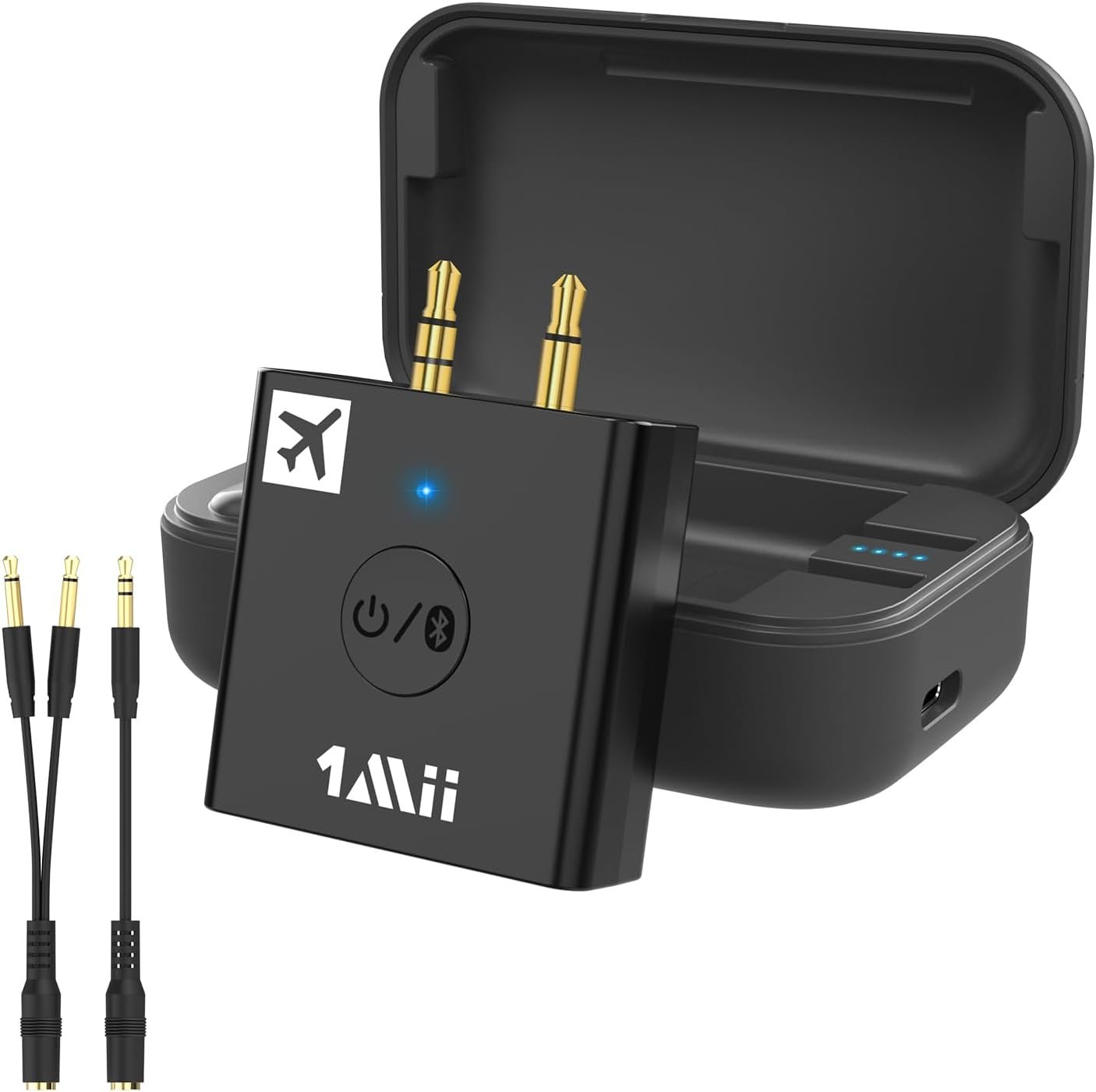
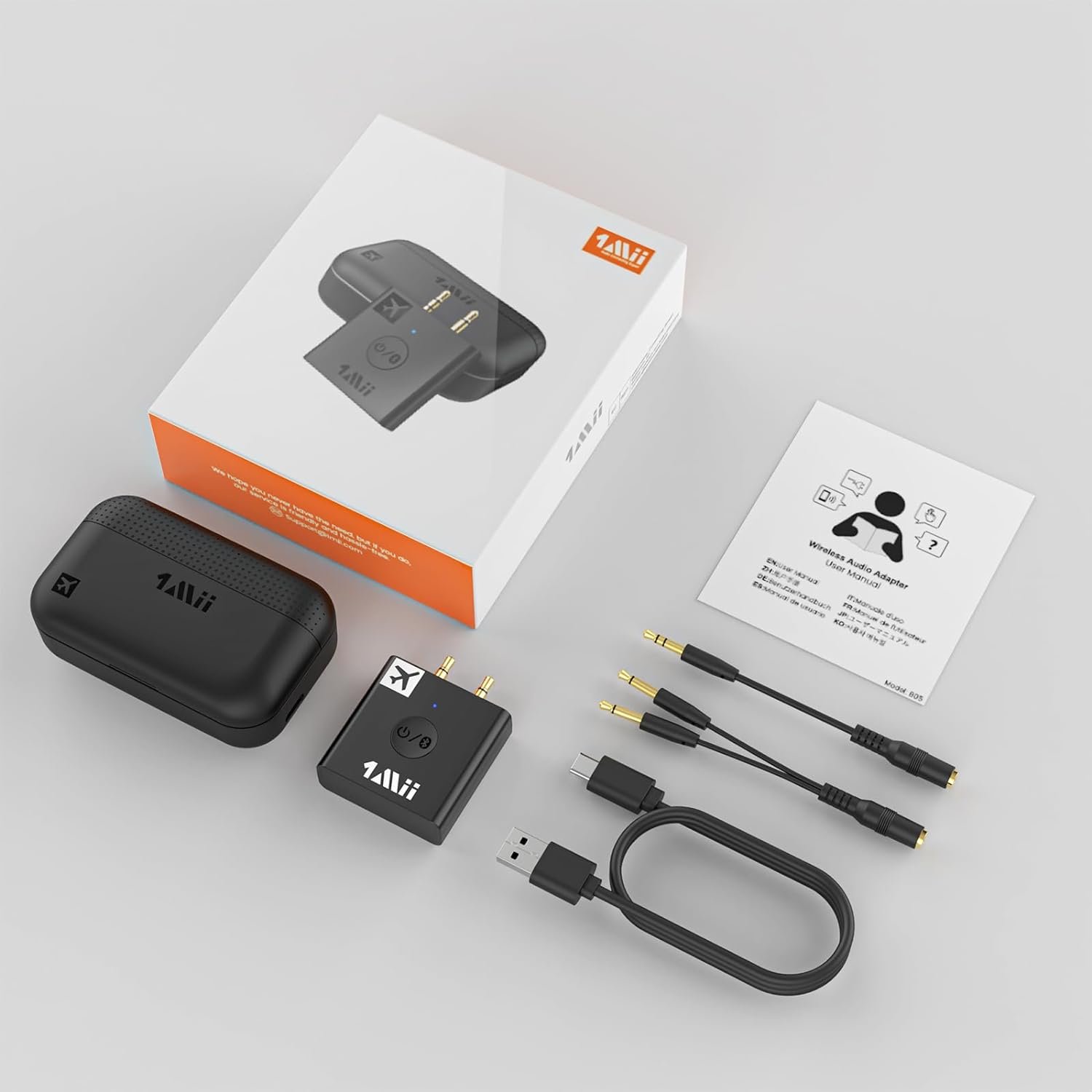
B05 Airplane Bluetooth Audio Transmitter X1;Charging Case X1;Charging Cable X1;3.5mm Female to 2 Male Cable X1;3.5mm Male to Female Cable X1;User Manual X1
Q2: Can’t pair?
If you meet pairing problem, it may need you to reset B05 and the headphone first.
As for B05 Airplane Bluetooth transmitter, Shut down B05 by long pressing the middle button for about 6s until the indicator lights red and then goes out. With the B05 switched off, press and hold the middle button for about 10s until the indicator lights purple, and then alternately flashes red and blue again to enter pairing mode.
As for Airpods, Place the Airpods pro in the charging case and open the lip. Press and hold the button on the back of the charging case until the indicator lights amber and then quickly turns white. And then try pairing B05 and Airpods Pro again.
Q3: Why is there a delay?
B05 Airplane Bluetooth adapter supports aptX low latency. To achieve low latency, your bluetooth headphones is better also support function of aptX Low Latency. Or, the headphones might use another codec (e.g. SBC, aptX), resulting in a 70-200ms audio delay which may be noticeable by some users.
Q4: What should I do if B05 becomes loose after being inserted into the aircraft socket?
Some aircraft’s audio sockets have been used too many times and have aged. The plug of B05 may become loose at the audio interface after insertion. At this point, it is recommended to use the 3.5mm Male to Female Cable inside the packaging.
【For Airpods & Other Bluetooth Headphones】 Plug B05 into the 3.5 AUX port of in-flight entertainment systems and pair it with your Airpods or other Bluetooth headphones, then stream audio wirelessly.***𝐍𝐨𝐭𝐞:𝐍𝐨𝐭 𝐜𝐨𝐦𝐩𝐚𝐭𝐢𝐛𝐥𝐞 𝐰𝐢𝐭𝐡 𝐀𝐢𝐫𝐏𝐨𝐝𝐬 𝐏𝐫𝐨 𝟐𝐧𝐝 𝐆𝐞𝐧.
【Enjoy High-fidelity Audio】 B05 Airplane Bluetooth transmiiter features Bluetooth 5.3 and supports aptX HD, aptX Low Latency, aptX Adaptive, aptX, SBC. B05 can wirelessly delivers up to 24-bit high fidelity audio to Bluetooth headphones, bringing you a ‘better-than-CD’ listening experience.
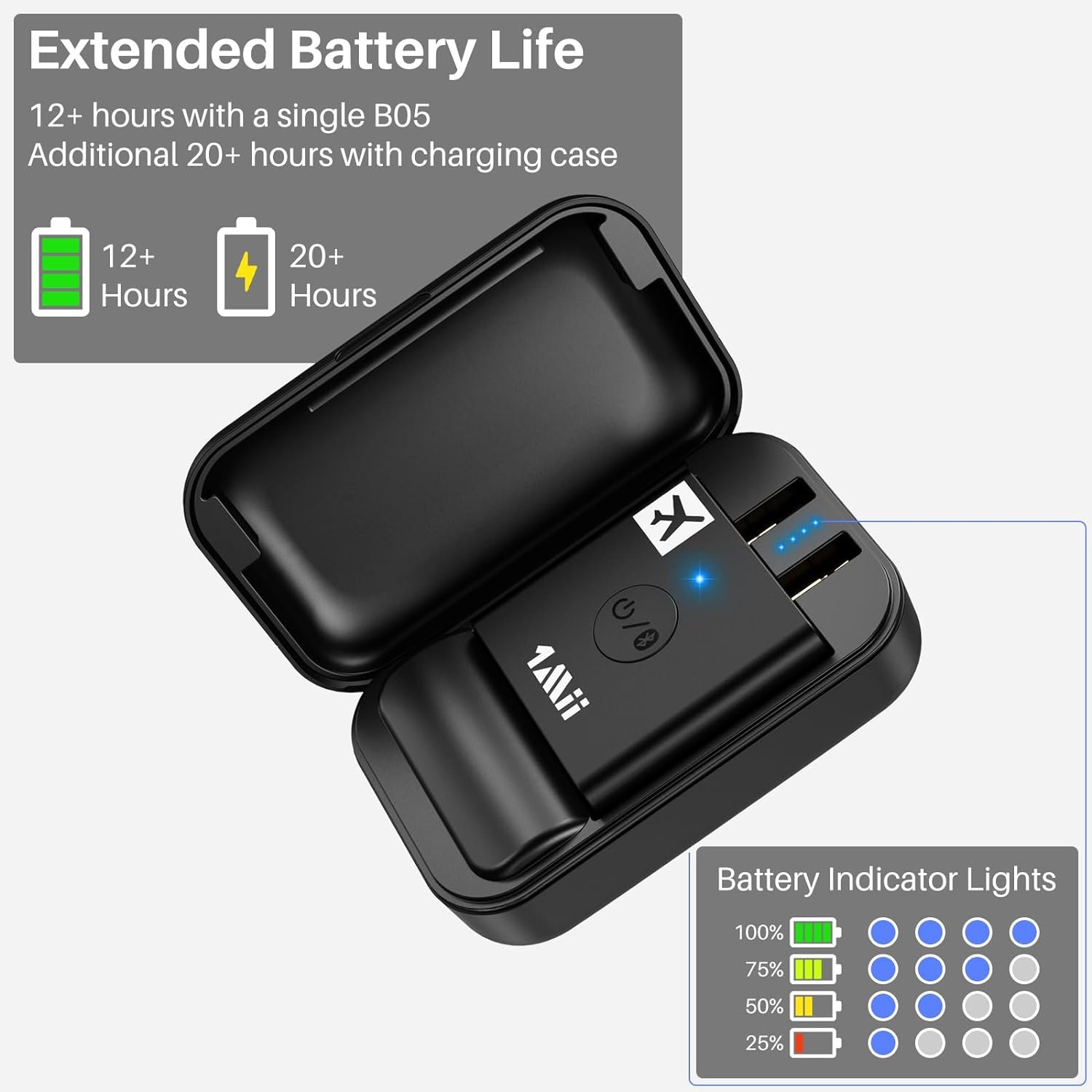
【Long Playtime with Portable Charging Case】 B05 Airplane Bluetooth headphone adapter supports up to 12 hours non-stop streaming with a single full charge, and can also work while charging via USB-C power cable. In addition, the charging case can provide 4 times charge.
【Flexibly Adjustable AUX 3.5MM Plugs】Suitable for Dual and Single auido output interfaces of in-flight entertainment equipment.. Not only for in-flight entertainment systems, but also ideal for other non-Bluetooth devices with 3.5mm Aux Jacks, such as gym equipment, Nintendo Switch, PC and more.
2.To achieve low latency, your Bluetooth headphones must also support aptX LL. Or, the receiving device might use another codec (e.g. SBC, aptX), resulting in a 70-200ms audio delay which may be noticeable by some users.


Reviews
There are no reviews yet.